Install your own PEI tutorial

Ok, I’ve found that I need to keep the PEI “rough” with 800 to 1200 grit sandpaper too. I sand it very lightly with just a bit of water. Most of the time I leave the “dust” on the bed and print. I’ve never seen it on my prints but you can wipe it off if you want.

It could be that the ACTUAL bed temp is not hot enough. It takes quite a bit of time (20+ minutes) to equilibrate the bed with PEI on it. If you can measure the surface temp with a thermocouple, that would be best.

Thanks mhackney. I’ve been putting off sanding it because I like the glossy finish on some of my prints, but that is the next logical move. I’m guessing I’ll end up preferring the matte finish anyway.

Ok, if you like glossy do this…

Rub briskly with an IPA soaked cotton rag. That will also rejuvenate the surface - the rubbing is important.

Also make sure your first layer height is spot on. If your first layer is set to .2mm, then print 1 layer, let cool, peal and measure with a caliper to verify the thickness. I can not stress this enough and it will eliminate a lot of issues. Not only for PEI bit for every print surface and printer!

Best advice out there when first starting to print in general. I would recommend using a micrometer to measure filament and 1st layer height. A caliper that is ±0.1mm does no good-- a measured 0.1mm layer could actually be anywhere from 0.2mm to 0.0mm thick!

$15 investment and it is within ±0.01mm–I double checked it with some fancy calibration cubes that are ±0.0005mm. Best part is unlike the digital ones it still works after the battery dies :smiley:

Hello folks. I’ve got some experience with this material and how to apply it that I’d like to share.

First off, some important experiences I’d like to make a point of stating:

  • -This material is pretty durable stuff, but it’s still plastic. I’ve used a sharpened scrapper, laid as flat as possible, to get underneath stubborn parts without damaging the part or the PEI, just remember to wait until it’s cool before trying, and keep the angle of your scrapper low as to not dig into the bed.
  • If you don’t have your bed properly calibrated, you could do as much damage to your extruder nozzle and glass as the PEI. Measure twice, cut (or print in this case) once.

  • You can easily clean this surface with a water/alcohol mixture, even when heated, although I wouldn’t recommend it. You can use straight acetone if you have stubborn plastic adhered to the bed. Use gloves when using acetone.

  • NinjaFlex/TPU sticks to this material permanently, BUT just cover the PEI with a thin layer of glue from a glue stick and your prints will peel right off.

  • If you have adhesion problems, wet sand the PEI with 2000 Grit sand paper, a sanding block, and some mixed water & alcohol. Apply some pressure, so that the water begins to become milky. Sand foward/backwards, left/right as evenly as you can. Clean with water & alcohol. This will improve the plastic adhesion dramatically. It may be even necessary to perform this task on a brand new sheet of PEI, after it’s adhered to the bed (never do this while hot or over electronics, like your 3D printer :exclamation: ).

  • If you develop bubbles from the adhesive failing, but not the PEI, you can literally freeze the bed and the adhesive releases the PEI, allowing you option of reapplying with a new sheet of double stick tape… after you clean off the old adhesive from your borosilicate glass print bed of course… If you have a bed made of plastic, be careful to not destroy it using adhesive remover. This process is really only for the folks with glass beds of the borosilicate nature.

  • I have also added a sheet of 1/16" copper I ordered off amazon and cut to shape with sheers to help more evenly distribute the heat of the heat bed. It might not be necessary, but it doesn’t hurt either.

So… On with the proceedure I did in applying PEI to my round borosilicate glass print bed…

… seems I’m pushing the attachment limits… check back in a minute…

…and we’re back…

hitting that wall once more… one more post ought to do it…

…and once more…

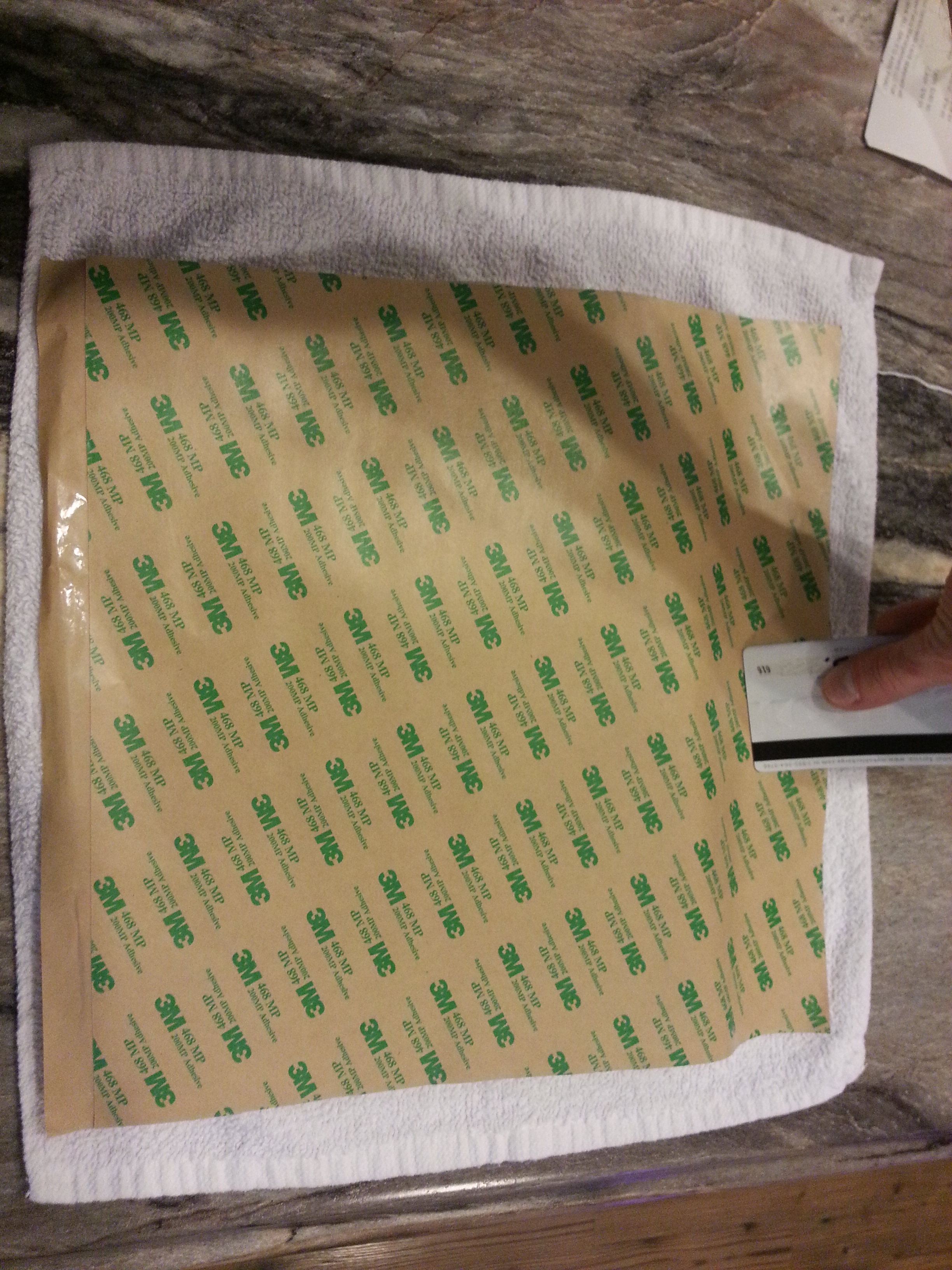
  • Step 11) Bit by bit, work the airbubbles out from under the PEI, slowly peeling away the wax paper.

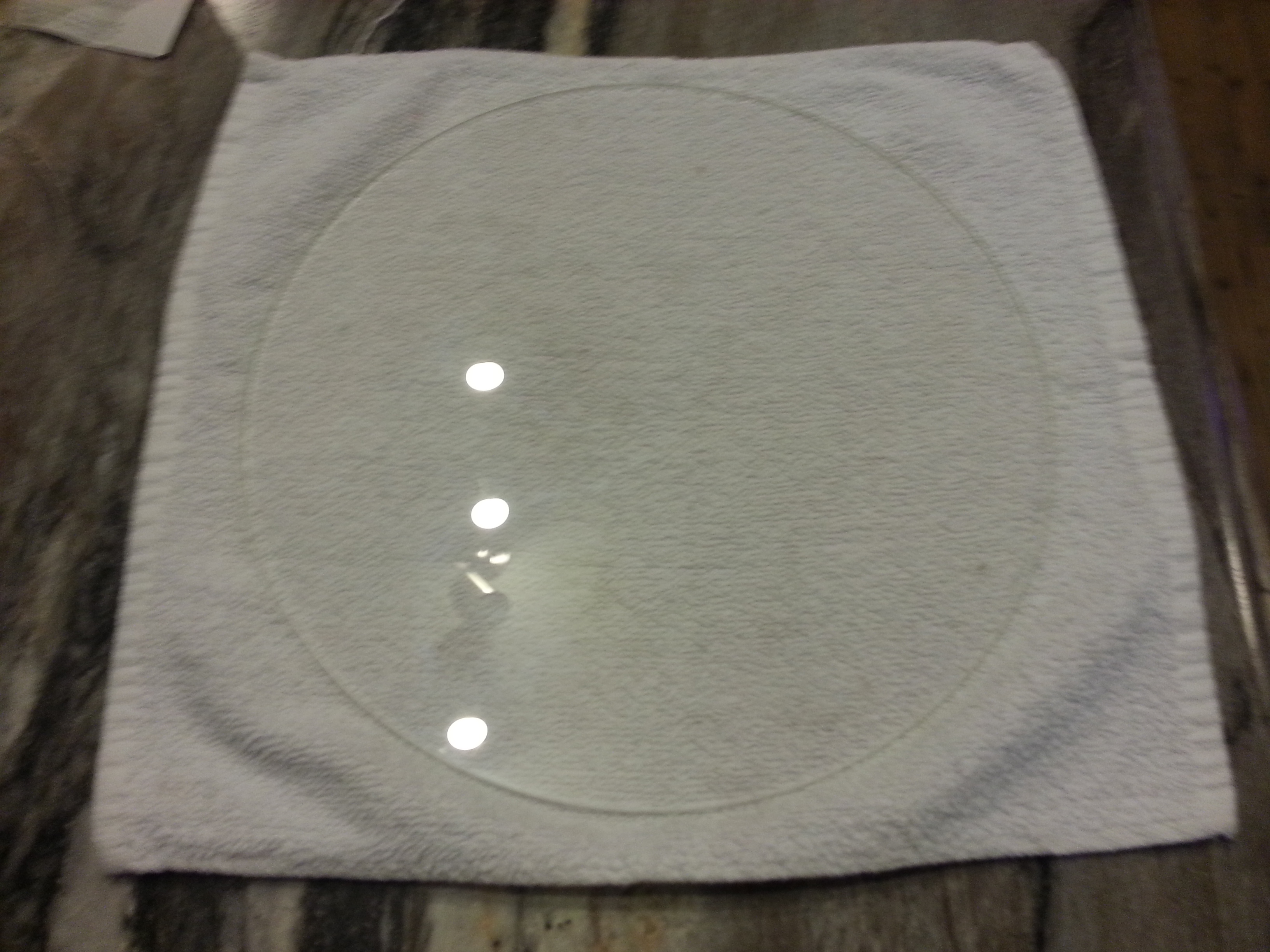
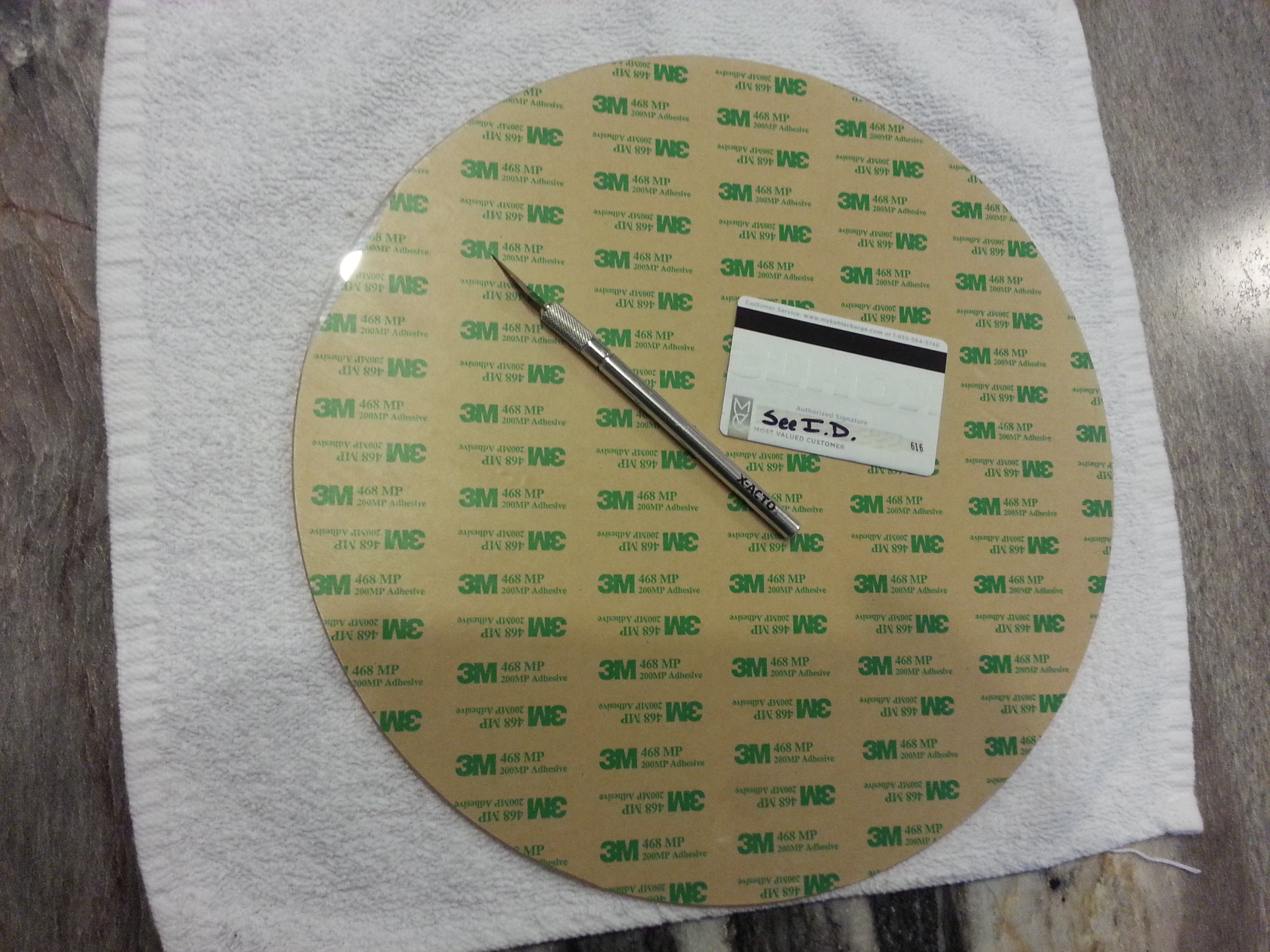
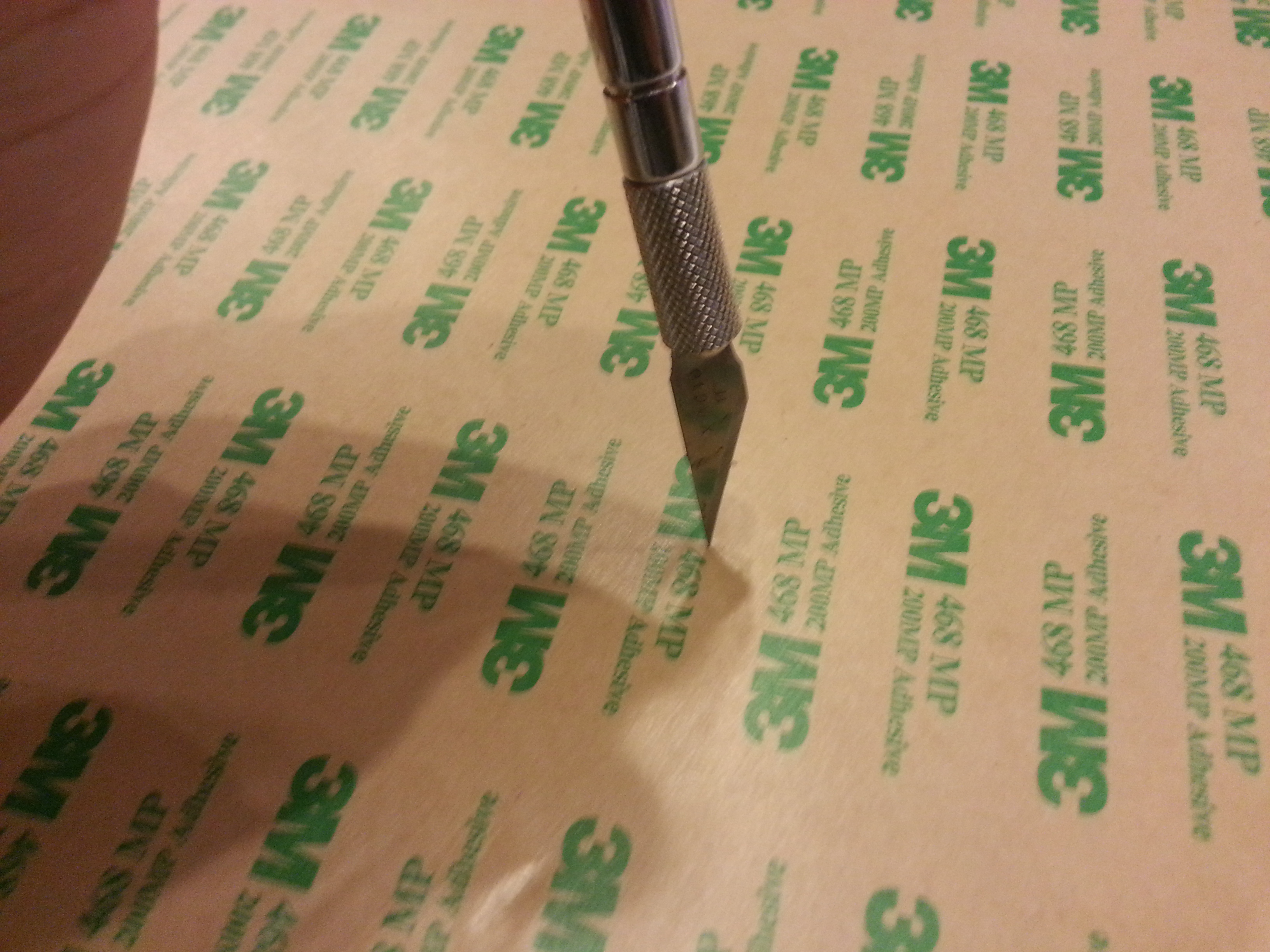
    Step 12) Trimming this material is quite a bit more difficult than the double stick tape, but not impossible. It’s important to angle the exacto blade just so it skims the glass… and obviously be careful. This is the finished PEI laminated and trimmed to the borosilicate glass print bed.

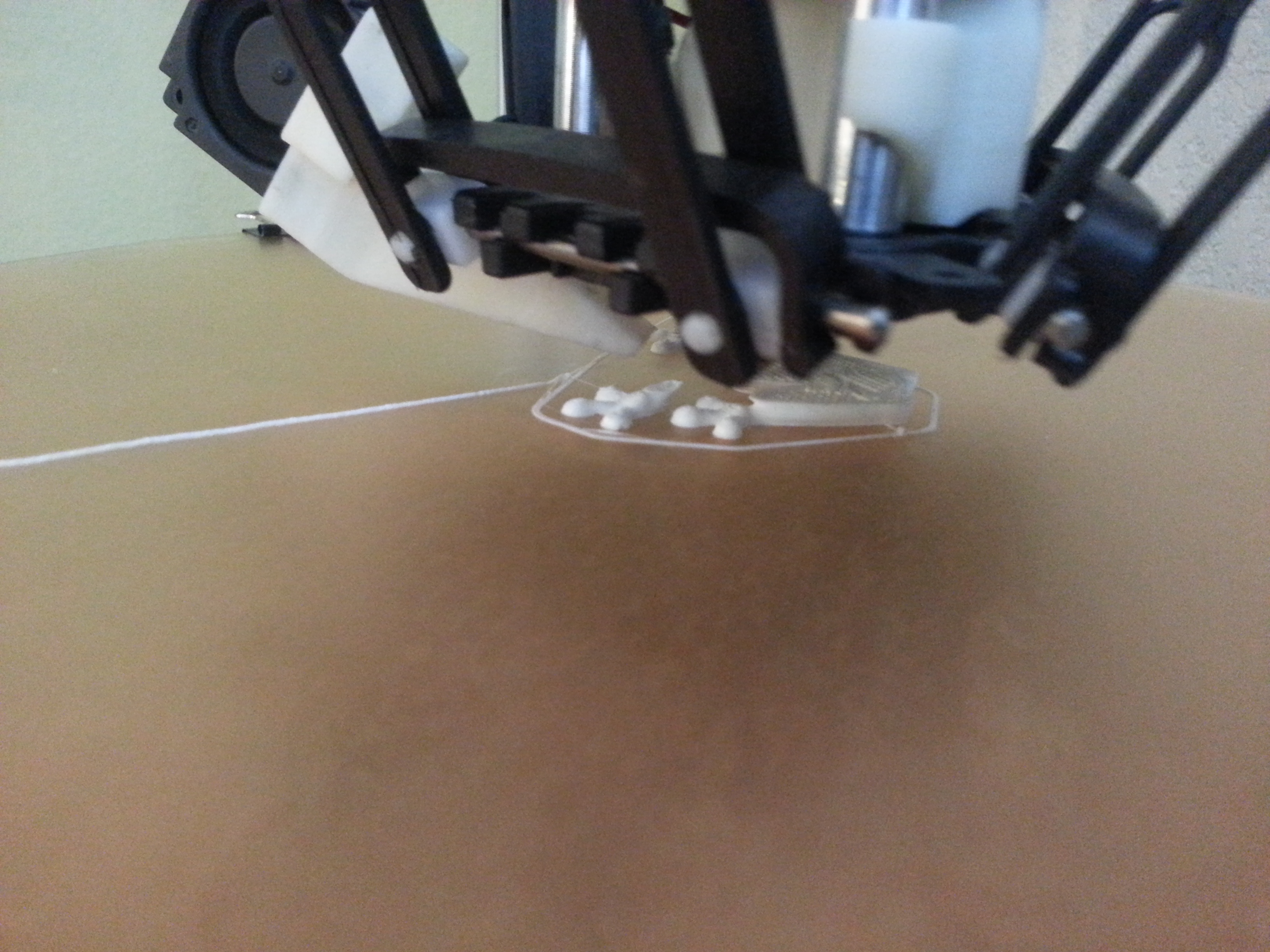
    Here’s a close up of the laminated borosilicate glass on top of the copper plate on my 3D printer. I managed to do a pretty good job of keeping the air bubbles out using just a credit card.

    Step 13) All that’s left is to test the new laminate. Give it a whirl. As a reminder:
    • ABS bed temp: 90C-100C

I hope you’ve found this helpful.

Keep on printing!

-Ian

Thank you for this post. It’s been on my mind for while. I appreciate you laying it out for us. Kudos!

mhackney

Great article, a few question?

  1. I have a TAZ 4, with PET on the bed, can I lay the PEI over the PET or do you recommend removing the PET. And if I should remove the PET do you have any suggestion on how.

  2. You said you have a spare bed with heater, did you purchase it from Lulzbot, I’m thinking about doing the same thing for my TAZ 4. Is Lulzbot the best place to buy the bed with heater.

Thanks for your help

What a great tutorial and thread!

I am about to try this as I’ve been a wee bit heavy handed removing my prints and have a couple of gouges that I’m tired printing around.

Is the existing PEI easy to remove? Any tips on removing before I dive in?

Many thanks

Great tutorial. Thanks. I couple of question/comments.

  1. I had been given the advice from a support call at Lulzbot to use the Freezer technique in order to get the PEI off of the existing bed. That worked like a charm for me. Put the bed in the freezer for ~15 mins and used a teflon blunt spatula after it was out and simply with light pressure from the spatula, the sheet came free quickly and easily. From there, cleaning the bed was fairly straight forward although a little tedious with a razor blade scraper tool.

  2. My question is this. I was able to get the 3M adhesive down on the glass with little or no bubbles using the technique mentioned in the step 4 of Eman’s post. The problem i faced was when i was removing the other side 3M backing to put the PEI down. I had to go very slow as the adhesive was sticking to the backing and was ‘lifting’ from the bed in tiny little spots making small surface blemishes. So i had to go very slow to get those to minimize. Those blemishes didn’t seem to affect the overall quality of how the PEI stuck to it although in my case, i went a little faster on laying the PEI down than I should and ended up with quite a few small bubbles, so I think i’m going to repeat the process soon since my amazon order included 6 sheets of the 3M adhesive despite thinking i had only ordered a single sheet.

So has anyone else experienced that problem and have any suggestions? Maybe a light blow dryer across the back of the 3m adhesive before peeling the backing off, or even the other way around… cooling it for just a couple of mins before trying to remove it?

Thanks

There is no mention of the need for a solvent to remove tape residue. Is that an oversight or does the tape remove cleanly?

I’m pretty sure this thread has morphed from the original intent of starting with a clean piece of glass and a sheet of PEI.

If removing existing PET or PEI, it would be important to have a clean piece of glass with no tape / adhesive residue… I think a razor blade scraper has been mentioned.

I used Goo Gone after scraping with a razor blade. The blade gets off more than you would think though.

I replaced my TAZ 5 PEI sheet last night with no trouble. Success! It took me two hours including some experimenting. I initially tried putting the bed in the freezer, but when I started peeling the old PEI off, I saw that the old adhesive stayed on the glass. I quit that method. After the bed warmed again, I slowly peeled off the old PEI. That took quite a while, but about 2/3’s of the adhesive came off with the plastic. The remaining adhesive, which is similar in quality to contact cement or thick dried rubber cement, I was able to roll off with my thumb. Didn’t have any luck using a razor blade as some have suggested. I found that acetone was very helpful in dissolving/removing the last bits of adhesive. After a final cleaning with isopropyl alcohol, the glass was spotless.

I used a 12"x12" sheet of 468MP adhesive - bought in a pack of 6 from Amazon. I replaced the .010" stock PEI with a .060" sheet of PEI also from Amazon. Nice thing is that the adhesive is truly 12"x12" and the PEI is 30 cm square (~11-3/4"). The TAZ 5 bed is also 30 cm square. This means that one has a little wiggle room when applying the adhesive and the PEI sheet fits exactly.

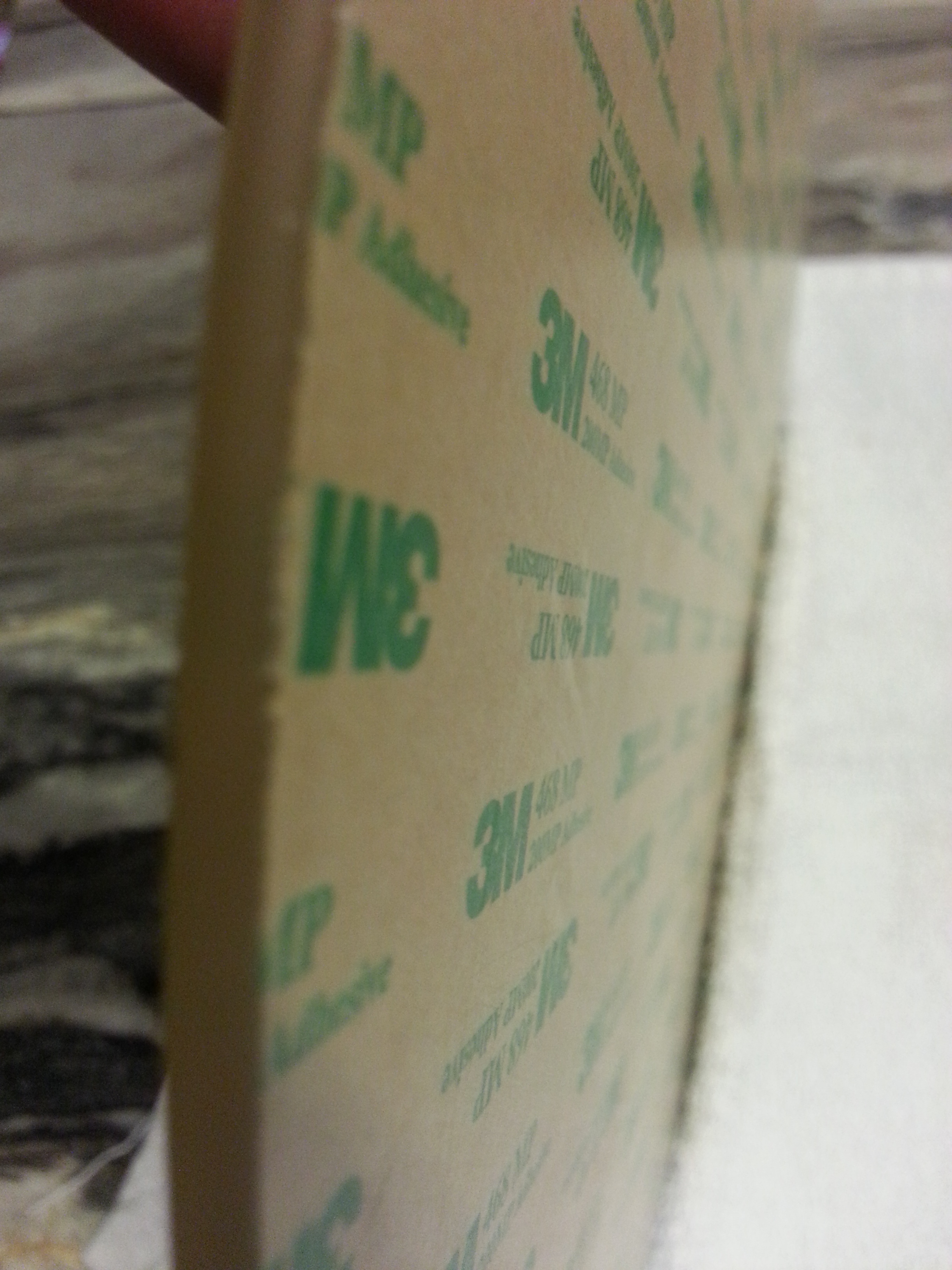
To apply the adhesive, I peeled the backer sheet back about 1/2" and lined the edge of the adhesive sheet with the edge of the glass bed and pressed down on the edge. I centered the adhesive sheet so about 1/8" hung off each side. Then I, CAREFULLY, applied the adhesive sheet by peeling the backer sheet off about 1/4" at a time and pressed on the adhesive sheet to stick it. By repeatedly doing this, I was able to apply the adhesive with no bubbles. Then, I trimmed the adhesive edges flush with the glass plate with an Exacto knife using a slicing motion top to bottom (otherwise, the backer would tear).
As for the PEI, I removed the protective film from one side of the sheet. .060" PEI is quite stiff (and was shiny on both sides, BTW). In a manner similar to above, I peeled the backing sheet on the adhesive back about an inch and carefully placed the PEI on the edge of adhesive and glass plate. Peeling the adhesive backer sheet about 1/2" at a time and pressing the PEI onto the adhesive, I was able to apply the PEI with no air bubbles at all. Then, I peeled the top protective film from the the PEI. Fini! Time for a beer… except I had no beer.

Sorry for such a long post, but I wanted to share my success. I think I’ll sand the surface as others have suggested. Going forward, I may have to adjust bed temperatures to account for the thicker plastic or maybe I’ll have to wait 15 minutes or so before printing.

Oh, and I forgot to give my sincere thanks to mhackney for his tutorial. While I didn’t follow his process exactly, it provided my with a lot of information and the confidence to proceed. Thank you much!

Thanks guys. You are going to like this post!

The Setup: You’ve been using PEI for 100s of prints. You love it. Then you get the inevitable divot from removing a part in your haste. Or you scratch the surface with a poorly set Z height. Never fear, a fix is here!

Let me preface this by saying I have probably spent more time trying to figure out how to repair PEI than almost anything else I’ve done on my printers! Why? Because the fly fishing reels that I print and sell require perfection. The surface finish from the print bed is the most highly visible part of these reels so it has to be perfect.

I’ve experimented for more than a year. I tried dissolving PEI (I won’t explain this as it uses very nasty chemicals), melting PEI, filling with HDPE and other plastics, filling with bondo and other polyesters, epoxy, epoxy with PEI dust and the list goes on and on. But, one technique not only works well and is quite easy, it lasts for a long time (I have repairs over 6 months old that are still holding up). How is this minor miracle accomplished you ask? With Bob Smith Industries Medium Gap Filling Cyanoacrylate! I tried many other varieties and viscosities of CA (aka super glue) but this one is sheer magic. It comes in a purple bottle so get the right stuff:

Next, the process…

In order to get the best bond you need 2 elements: absolute cleanliness and a slightly rough surface. I start by sanding the area of the scratch or divot with 400 grit wet/dry sandpaper with water. This is important, don’t sand dry or you will never get all of the dust out of the scratch. You can do this with the plate installed on your printer.

Once you’ve sanded, clean the area with isopropyl alcohol (IPA), the good stuff 100% not the 80% you get at the pharmacy (some pharmacies do carry 90-100% and that is fine). I use a squeeze bottle and flood the sanded area. Clean with a paper towel and repeat 3 times. Now, heat the bed to 50°C and allow it to soak at temperature for 15 minutes to make sure things are good and dry.

Next you apply the BSI medium CA. The idea is to fill the problem area a little proud. I use a straightened out paper clip as an applicator. Put a dab of CA on the tip of the wire and poke it into the scratch or divot. Filet the edges and let it overflow just a bit.

Now the tough part, wait! Seriously, you have to give this plenty of time to fully cure. A good solid 8 hours (overnight).

Once the CA is cured, fold a piece of 400 grit wet/dry sandpaper into thirds. This provides just the right amount of stiffness to sand the high spots without sanding a gouge. Use water and sand gently across the width of the scratch or narrow dimension of the divot. The goal is to knock down the high spot to make it level with the PEI surface. If you go too far or if you didn’t put enough CA in the first time, repeat the above steps.

Once the CA is level, switch to 600 or 800 grit and sand GENTLY with water. Finally, clean off with IPA and print!

NOTE: this process is ideal for the matte PEI surface or for those of us who sand their PEI to make it matte. If you want gloss, then you really have to be careful when you sand. And sand from 400 to 1500 grit or so, then polish with a plastic polish and you should be able to restore the gloss.

Cheers,
Michael

Thanks for sharing the “PEI fix guide”. WIll definitely come in handy down the road.

Interesting follow-up from my first replacement which i made back in ~sept. of 2015… At that time I bought the 6 pack of 12x12 3M sheets so I have extras. For the first several months, the pei was stuck solid to the glass but over time, air pockets started creeping in from the sides (back and right). This morning I decided to replace again since it really just seemed to be accelerating over the past couple of weeks. When I went to take the pei off, more than 50% of the 3m adhesive was not stuck to the pei sheet. The rest of the sheet came off quite easily with just a bit of pressure wedged between the pei and the plate and some gentle pressure.

The frustrating part is that the area that had developed the bubbles had now completely crystalized on the glass. Not only did that make it much more difficult to scrap off (even with Goo Gone), but it no longer had any tack (stickiness) to it at all. No wonder it wouldn’t stick down any longer.

So this time around, i’m going to be much more diligent over the next few weeks to compress the edges around the bed with black binder clips to ensure there’s a really solid bonding. Hopefully that will pay off in the long run.

I hope this pattern of replacing the adhesive once every 6 months doesn’t continue. Surely this stuff should last longer.

I have 7 printers with PEI beds. Not one has developed air pockets or started to come off. I print almost every day for at least 5 hours - i.e. a lot of bed heating and printing. I suspect it is a result of initial installation. Make sure to really bond the PEI to the tape.