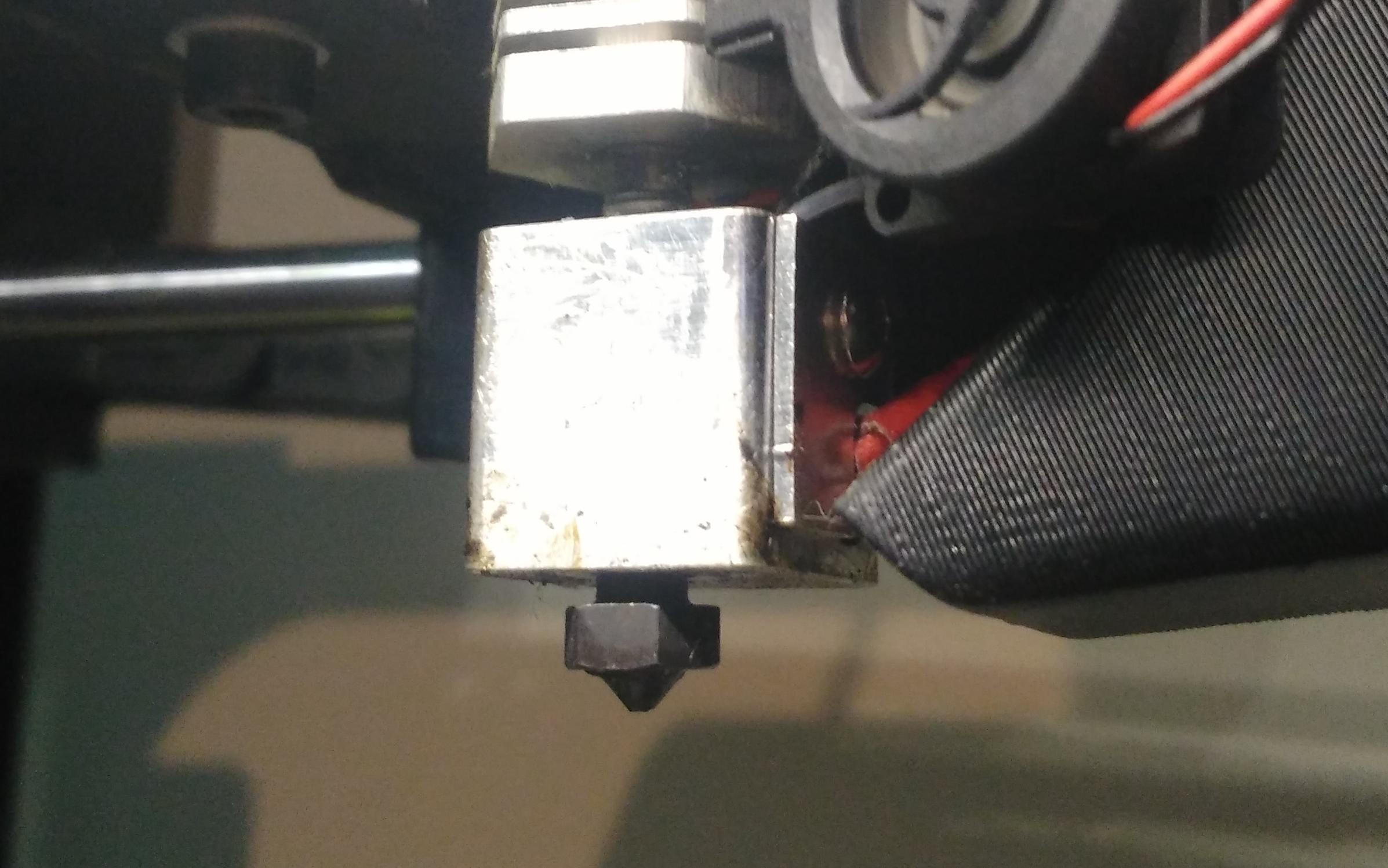
M28 Z         // Home Z without Bed offset
M206          // Check Z Home (should be 159 for unmodified Mini)
M206 Z-1.0    // Add 1.0mm to the nozzle size (you tell Mini: you're at 158.0 now)
M500          // Save settings in EEPROM
Now, with stock Lulzbot Cura start gcode the nozzle dives comfortable depth into wiper, even after powercycle.
update: Hmm… something fishy is going on. The firmware wipe (on failed washer probe) is deeper than the start gcode one. Back to the drawing board.
I just got an e3d steel nozzle for my mini and am thinking I’ll get to try installing it today. Before I embark, though, could you confirm that all you did was physically install the nozzle and then execute that gcode? No subsequent changes to scripts or configuration.h or anything?
That’s exactly what I did, but you should be careful and do a manual home and probe for all axis afterwards (G28, G29) and then do a “G1 X15 Y15 Z10”. This will bring the nozzle to 1cm above the front left corner of the bed. Then, step-by-step lower the nozzle by going down on Z, using “G1 Z8”, “G1 Z4”, “G1 Z2”, and watch the nozzle distance to the bed. “G1 Z0” should exactly kiss the bed, Z2 or Z1 should give you a good idea about that. If that’s not the case, you should adjust Z Home offset so that Z0 kisses the bed.
BE CAREFUL WITH THE NEW 1.1 Marlin FIRMWARE.
Aleph Objects is preparing a new release of Marlin for all of their printers, uncluding the Mini and the behaviour of M206 has changed and does NOT do what is described above anymore, by-design:
The only options you have with this new firmware is compiling the code yourself after adjusting the code with my changes (which I do, because I like the old behaviour) or adjust your start g-code to accommodate for the Z offset using G92 like Marcio suggests in this post:
@mrvanes Thanks for the advice, I finally got the time to try it out this weekend and seem to be in a semi-workable state. As a test, I took the route of modifying the start gcode by inserting a G92 Z158 after the G28 command. It’s been a bit hit or miss with cura, mainly because it seems that the setting is reset whenever G28 is issued or perhaps elsewhere as well and repeated prints have had some issues.
Are you still running your own compilation of the firmware for your mini or did you find a better solution? It seems like there should be a configuration or some way to define the physical change via configuration so home doesn’t reset to 159mm. Or is that what the firmware update is for?
I’m using the E3D V6 .25mm nozzle, firmware is Marlin 1.1.0.11.
I’m still running my personal patched version of new Lulzbot Marlin 1.1(.5) which is a breeze thanks to the hard work of Marcio @Lulzbot I must say!
I agree with you that there should be an EEPROM setting reflecting hardware changes, which is what M206 did (by accident, it turns out) and does not anymore in 1.1 because it now correctly shifts the whole coordinate system, as per definition of M206. My patch changes that back to the “wrong” Z home-offset setting.
So, I can’t help you with the G28 trouble you’re seeing because I’m stubbornly sticking to the old M206 behaviour.