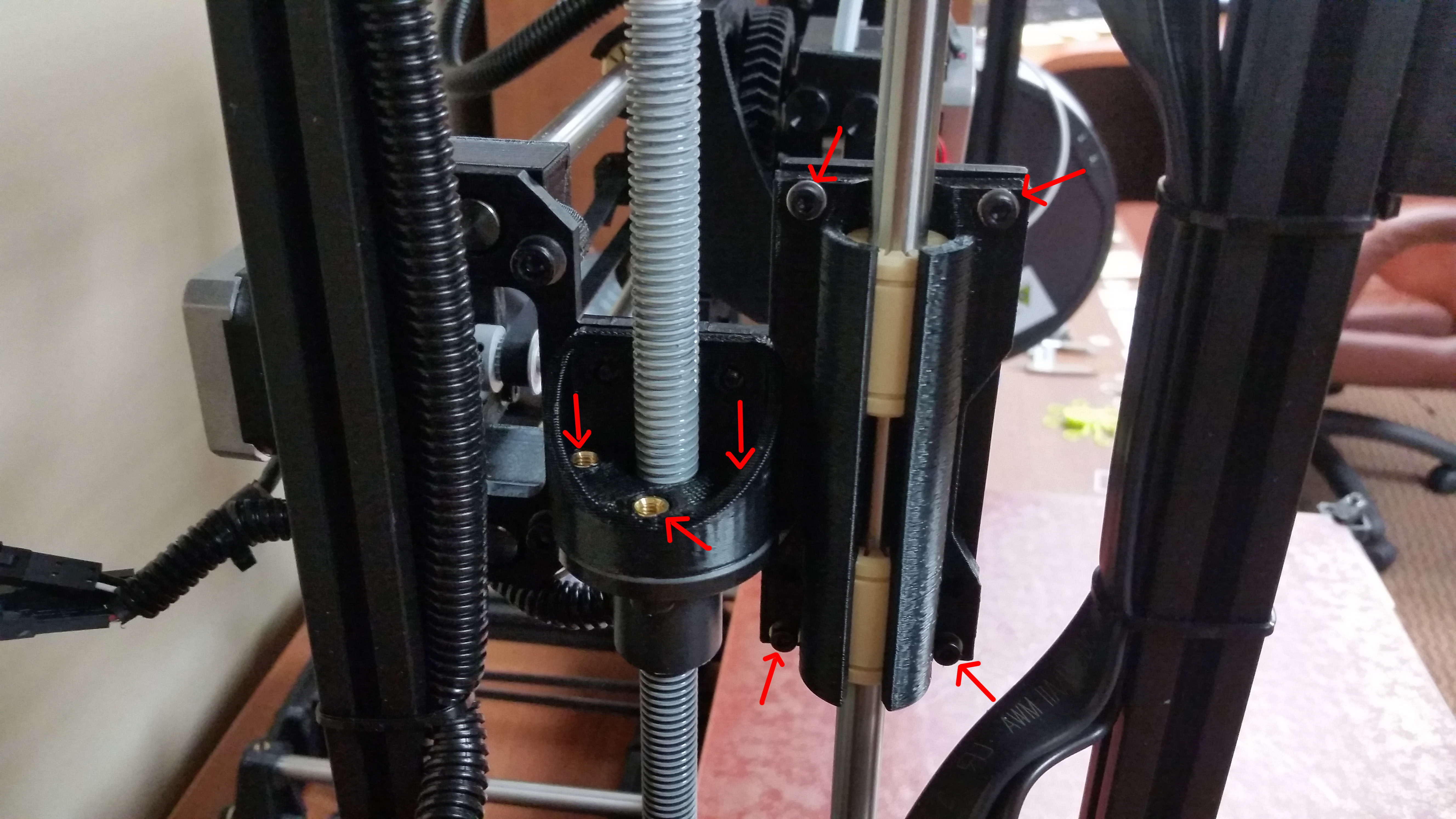
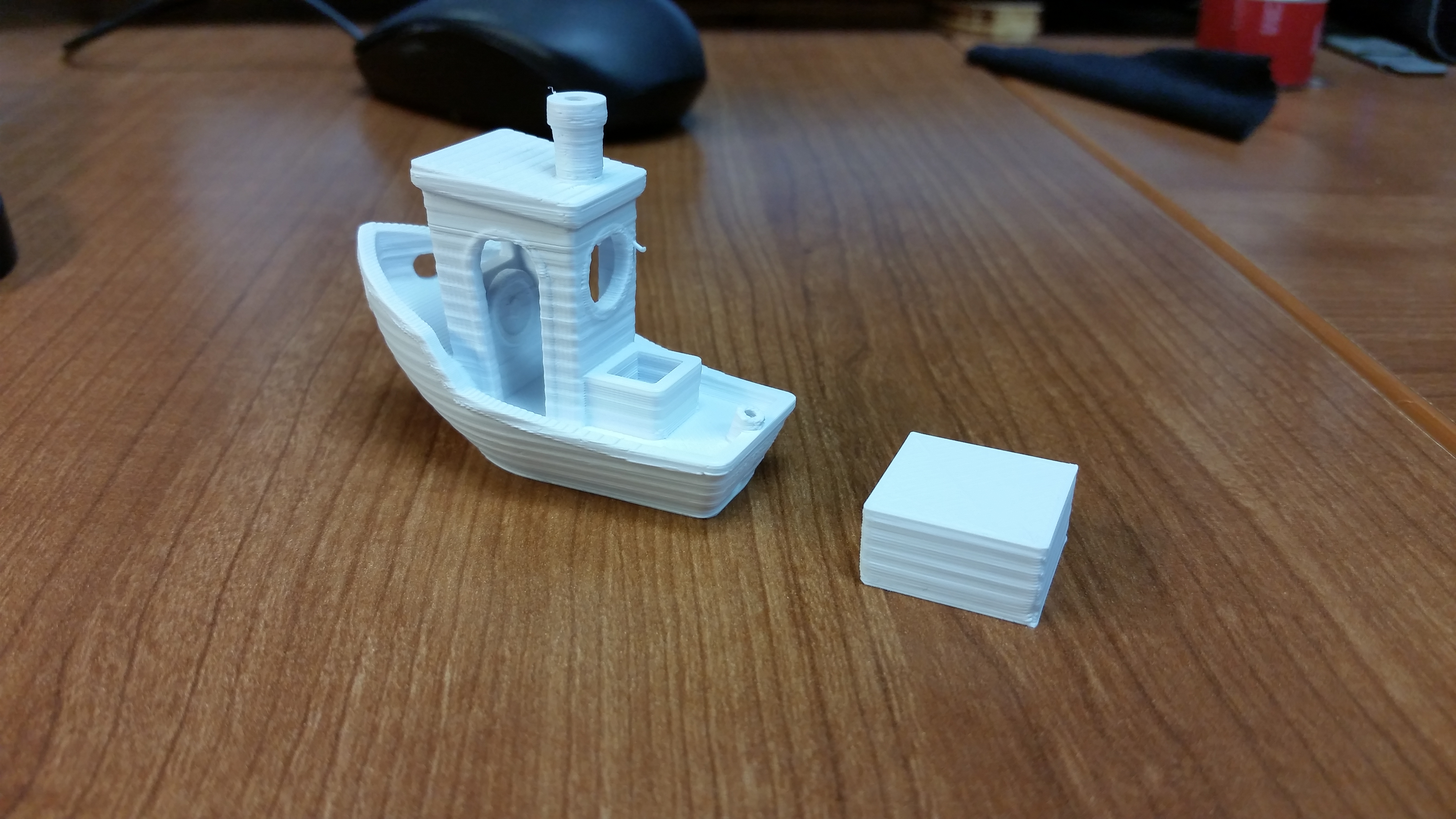
I just received my TAZ 5 yesterday, which means I’m new to the forums. So I know this topic has been discussed, and I have done my research, but am just not familiar enough with printing yet to answer my own questions. Anyway, I have been printing countless calibration objects (mostly single/double/tipple layer squares, and cubes) to try and get my printer dialed in and learn what settings work best. I’ve printed several 20mm cubes and have found that I’ve got what seems to me to be pretty significant banding. I know there is a certain amount of banding that is to be expected, but was hoping to get some confirmation that what I’m experiencing is normal.
Below are a few pictures of my 20mm cubes. All of them were printed with HIPS out of Cura, and with my .5mm nozzle at 240 degrees, and bed at 110. Also all have .3mm layer height, 40% infill with 1mm shell and Top/Bottom thickness, and Initial layer thickness set to 0 and initial line width set to 100%. Speed was my big difference. From left to right the speeds were (in mm/s):
Cube 1 (Left): Travel 175, Bottom 15, Infill 50, Top/Bottom 30, Outer 30, Inner 35
Cube 2 (Center): Travel 175, Bottom 15, Infill 50, Top/Bottom 15, Outer 20, Inner 20
Cube 3 (Right): Same as Cube 2
What makes Cube 3 different is that while the first two cubes printed Infill before Perimeters, Cube 3 printed Perimeters before Infill.
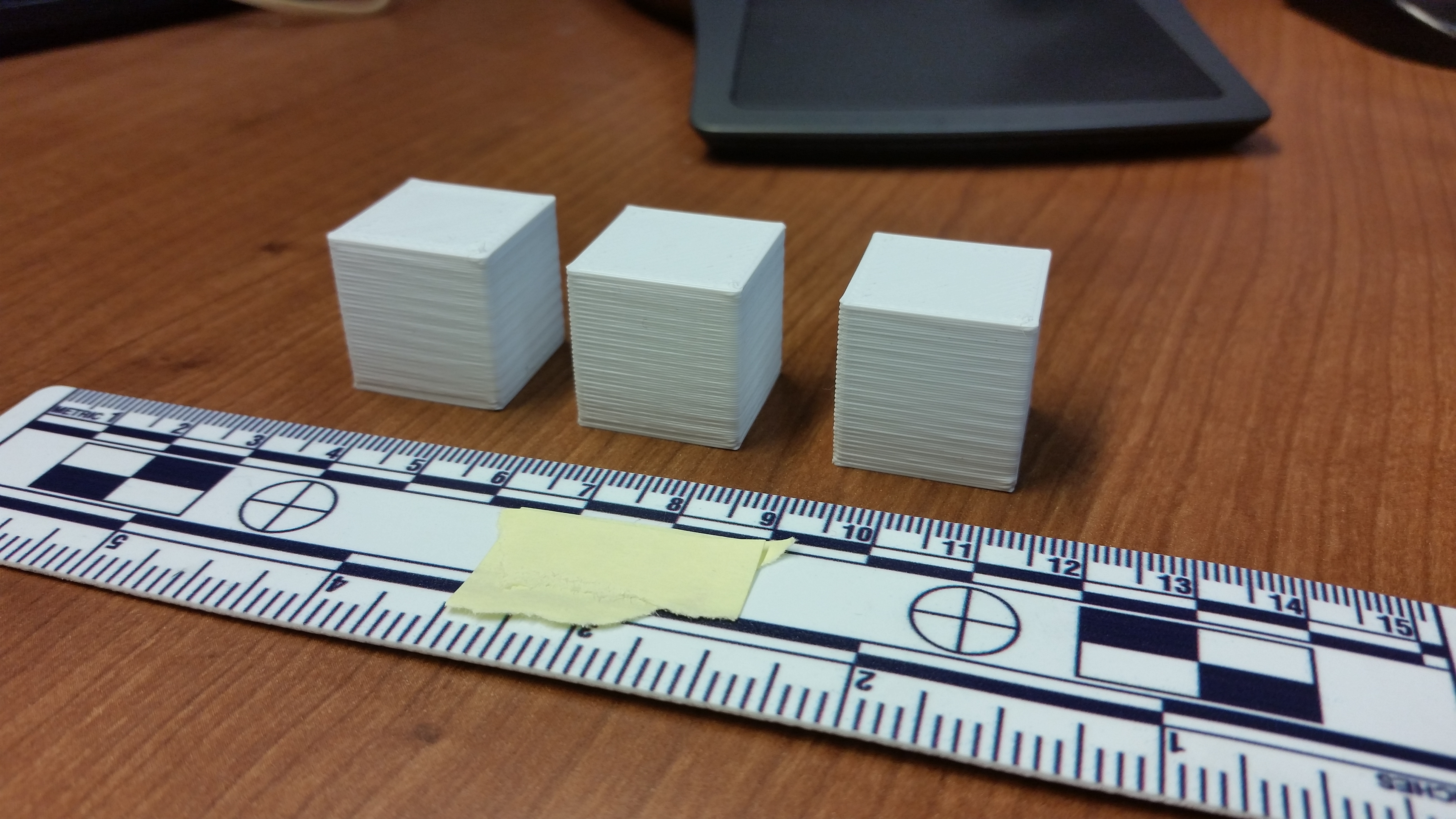
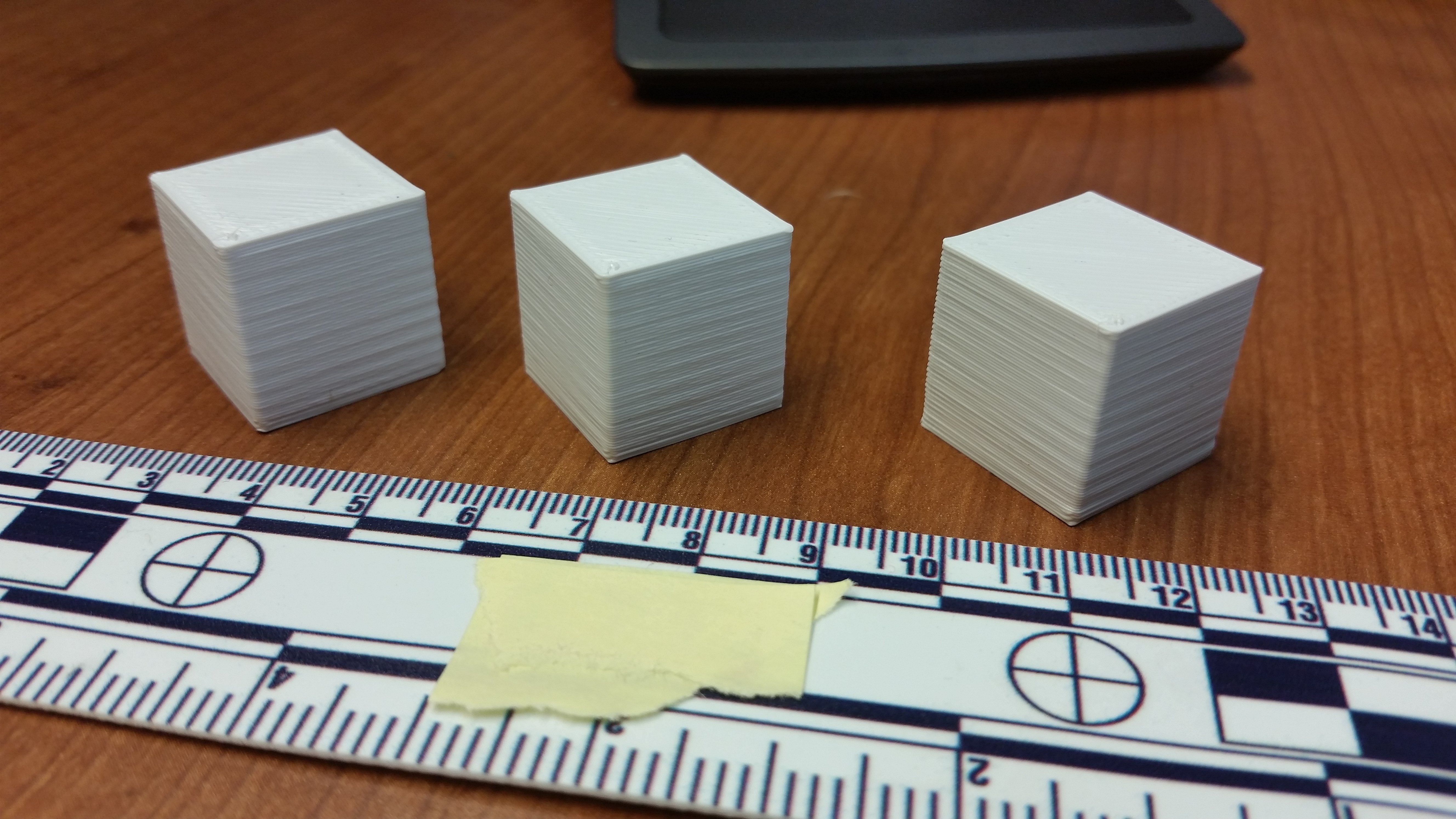

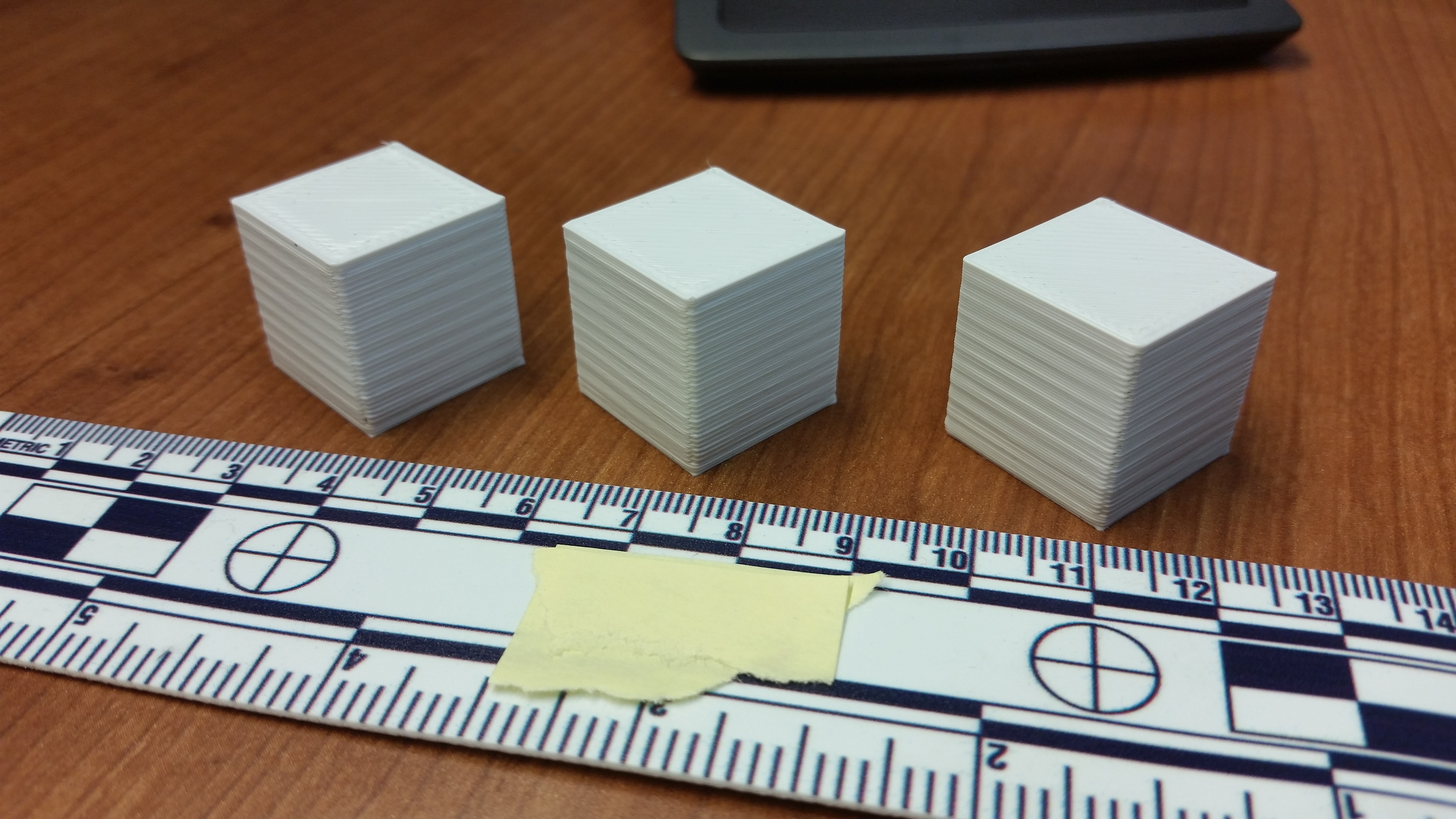
So the middle cube, not surprisingly, is the best, but while the Front and Right faces aren’t that bad, the Back and Left faces are noticeably worse. So I guess I actually have 2 questions. 1) Is this amount of banding what is to be expected on a brand new TAZ 5?, 2) How do I fix it… I know there are a few mods I can do to reduce/eliminate banding, like piercet’s Anti Wobble Z Nut and Openbuilds v-slot Axis mods, but is there anything I’m just doing wrong?
Sorry for the long post, but thanks in advance for any help!