I came here to ask the exact same question! I have two corners (top right and bottom left) that are noticeably lower in the z-axis than the other corners or middle.
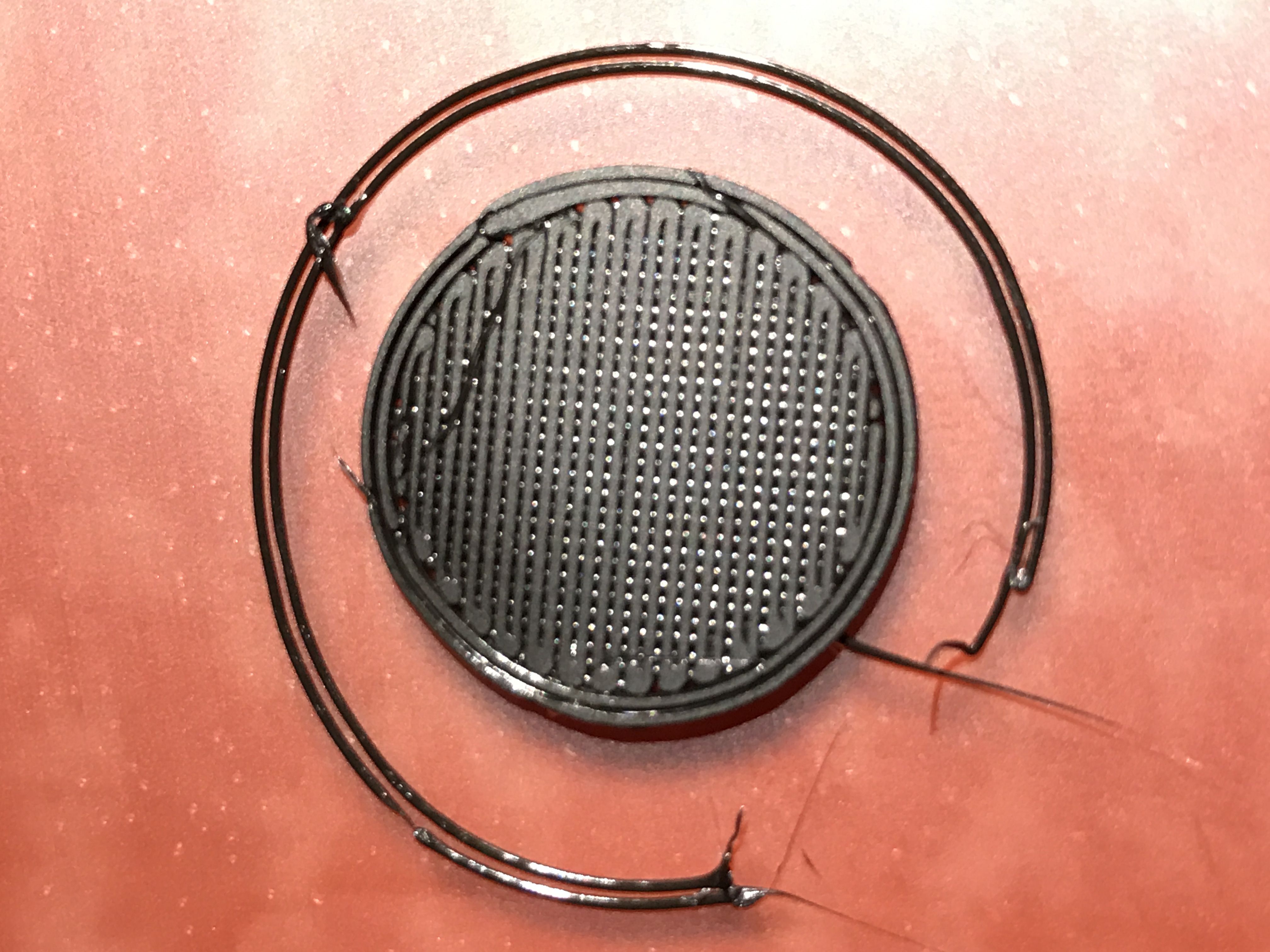
Here is the top-right corner’s first layer (I flipped it over) along with the skirt (note the two skirt lines don’t even meet):
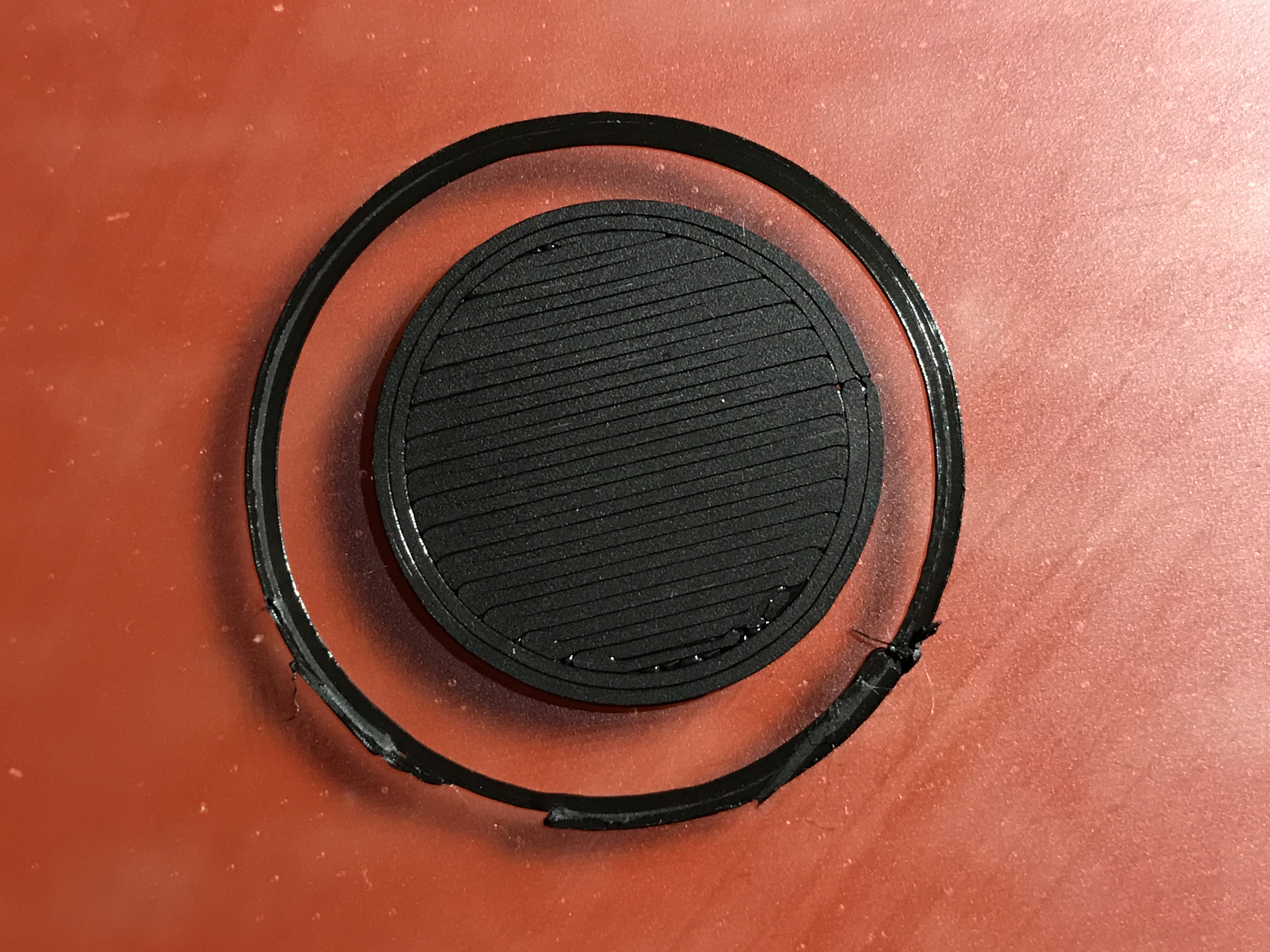
Here is the center one:
Makes it very frustrating to try and dial in my settings for a perfect first layer.
I’m slicing with Simplify3D, what are you using? Is there a chance the auto-leveling doesn’t “stick” when using S3D? I wouldn’t think so - I even copied over the start/end gcode from the latest Cura. I’m stumped - that’s the whole point of the auto-leveling and it doesn’t seem to be doing its job. :\
Edit: this looks like it might be the issue: Leveling The Y Axis - Getting Rid Of High / Low Spots